Go to Team > Members, where you can edit and modify the name of your current team.

After editing, click “Confirm” to save the changes.
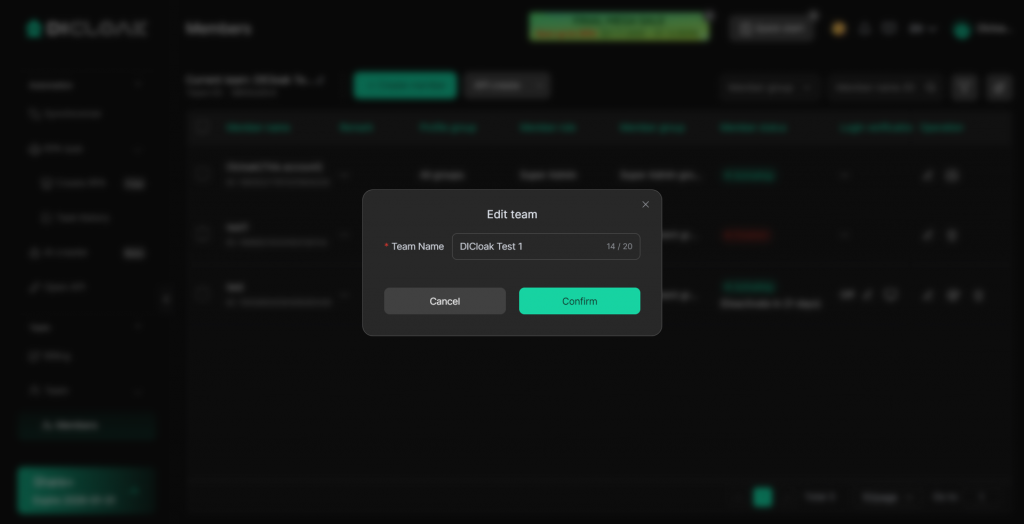
The team name cannot be the same as that of any other team on DICloak. If you see the message “The name is already taken,” please choose a different name.
If you have other questions, please contact DICloak Customer Service for further assistance.