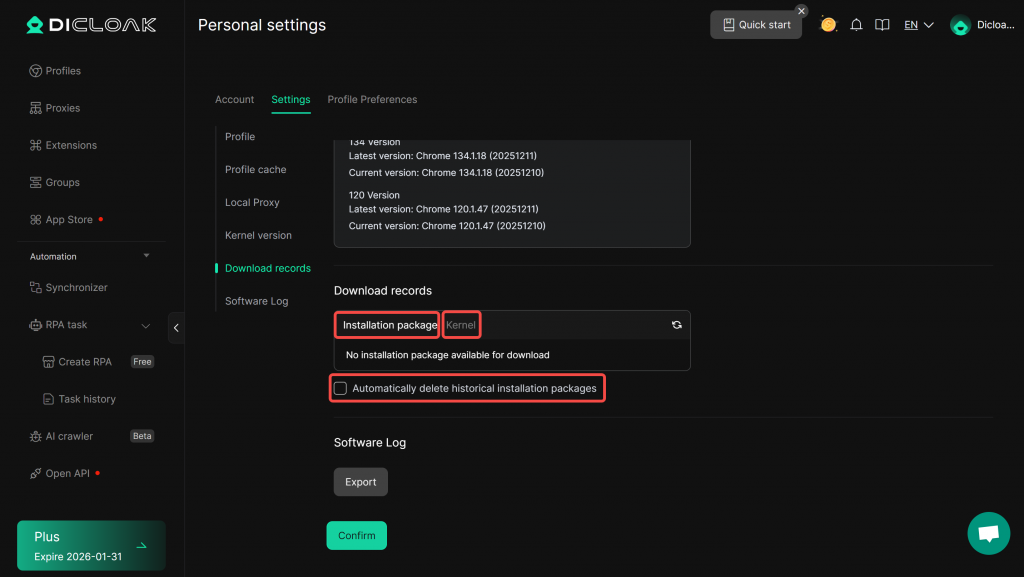
The Download Records lets you view all previously downloaded installation packages and kernel, you can reinstall historical versions, and delete packages or kernel. This will help reduce the strain on your computer’s memory.
1. Open Personal Setting
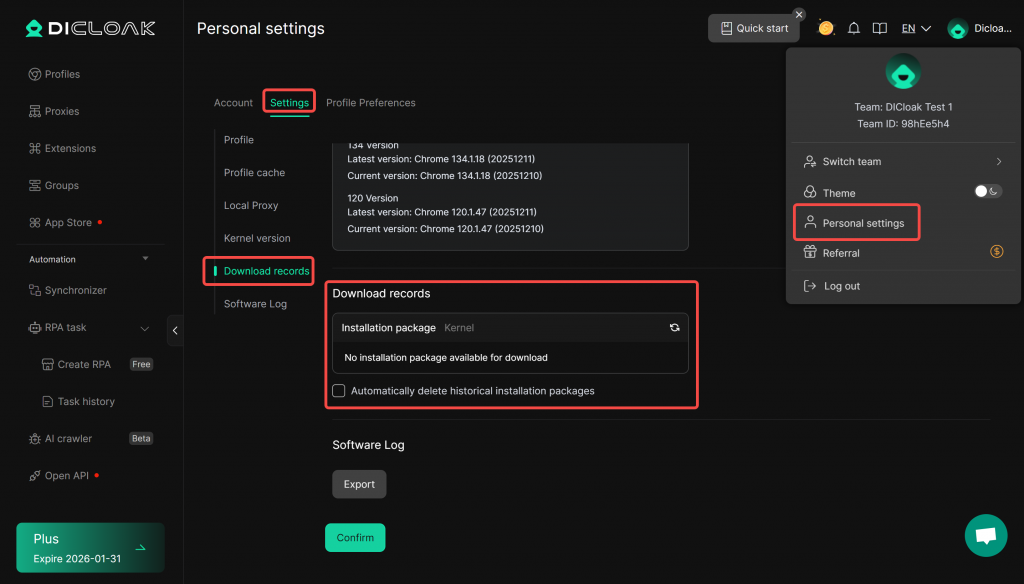
- Open and log in to the DICloak software. Click the avatar in the top-right corner to enter [Personal Settings]. Select [Settings] > [Download records].
2. Download Records
- You can view and delete downloaded software installation packages and kernels, and also enable “Automatically delete historical installation packages.”