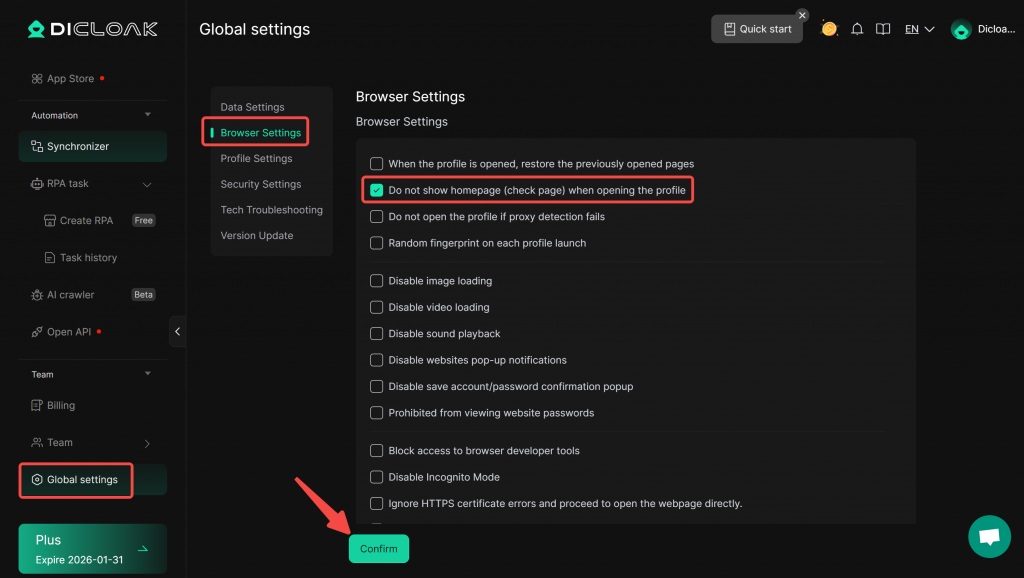
The Index page supports team-level control – the super admin can set all members (including administrators themselves) to not show the homepage (check page) when opening the Profile.
Enable the setting “Do not show the homepage (check page) when opening the profile”
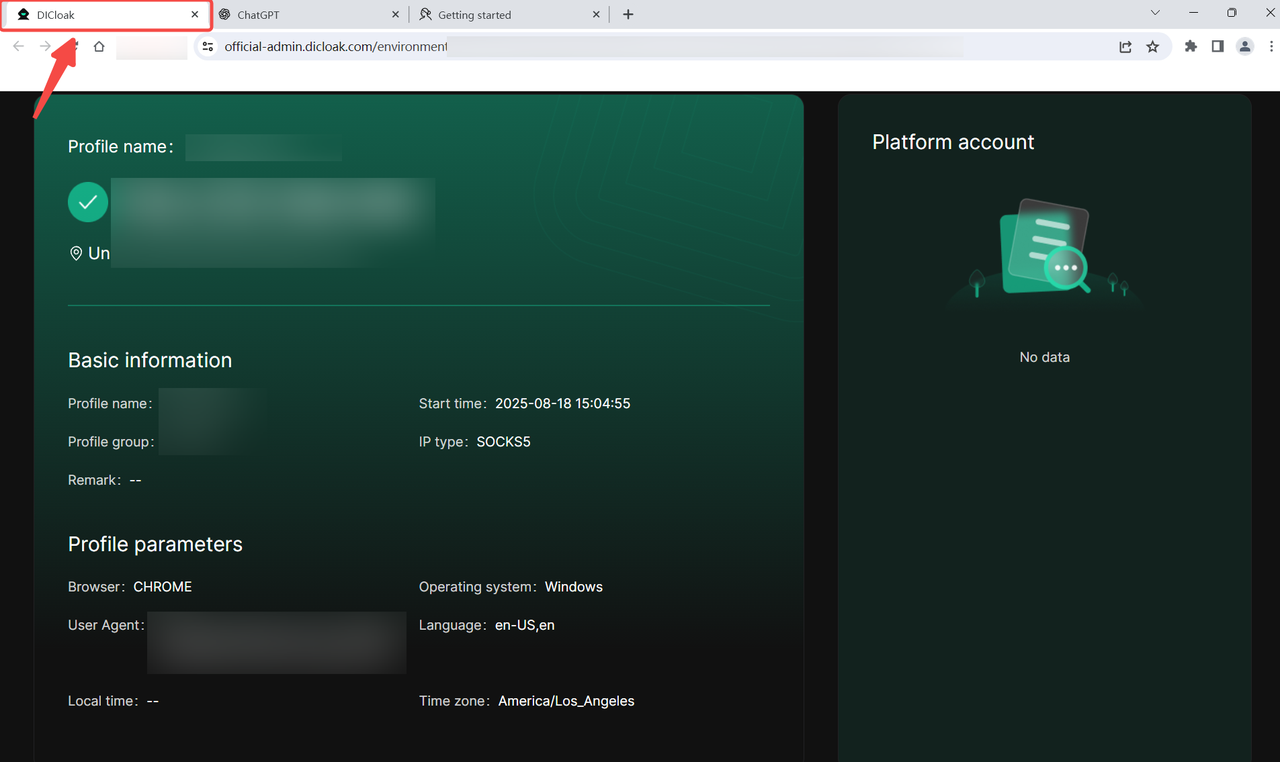
- Under normal circumstances, when we open the browsing Profile, the homepage (check page) is displayed by default, which is used to view the basic information of the Profile.
- If you do not wish to display the homepage, navigate to [Global Settings], locate [Browser Settings], check the box labeled “Do not show homepage (check page) when opening the profile,” and click “Confirm” to save the settings.