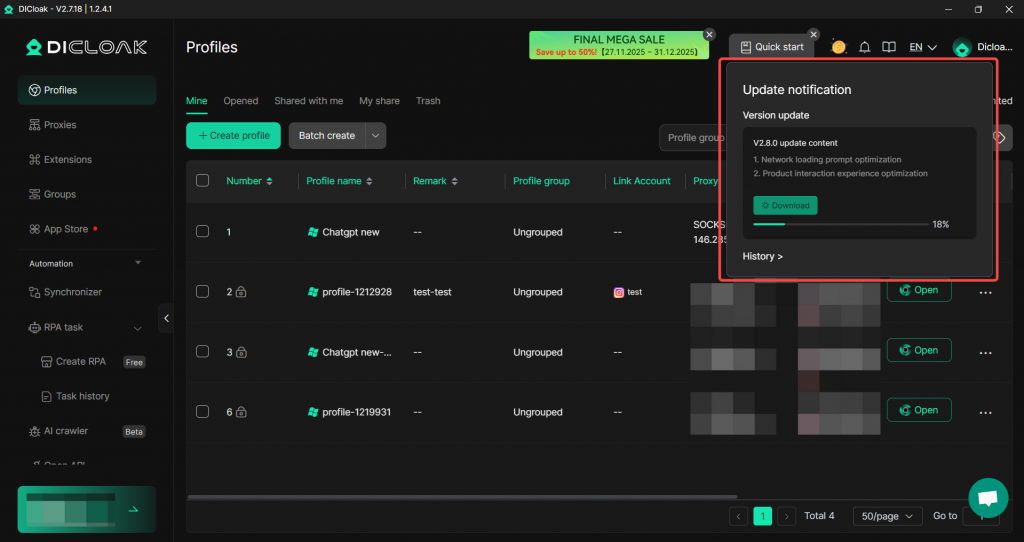
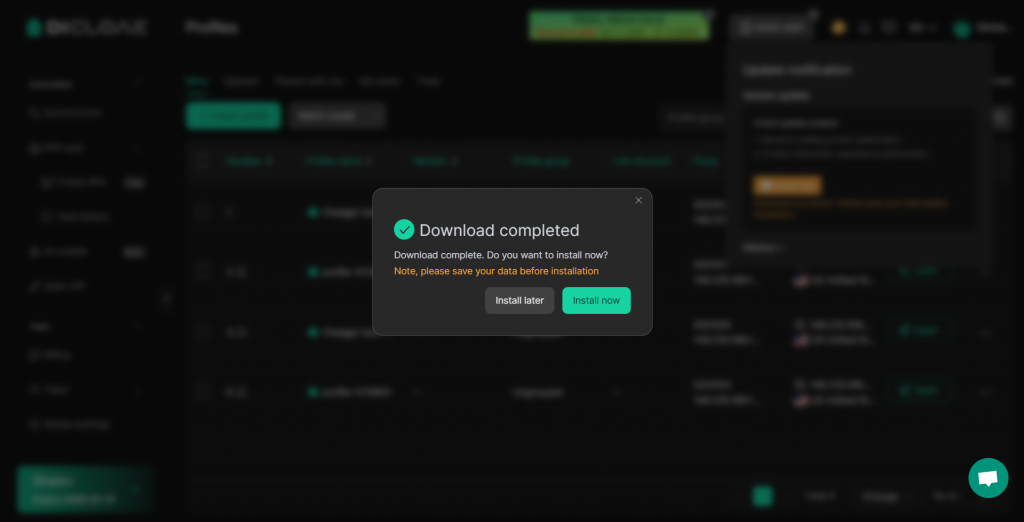
In the Software Updates Settings, you can configure update reminders or automatic updates for all members, ensuring they can promptly use the latest version and that new features work correctly.
- Navigate to Global Settings – Software Updates.
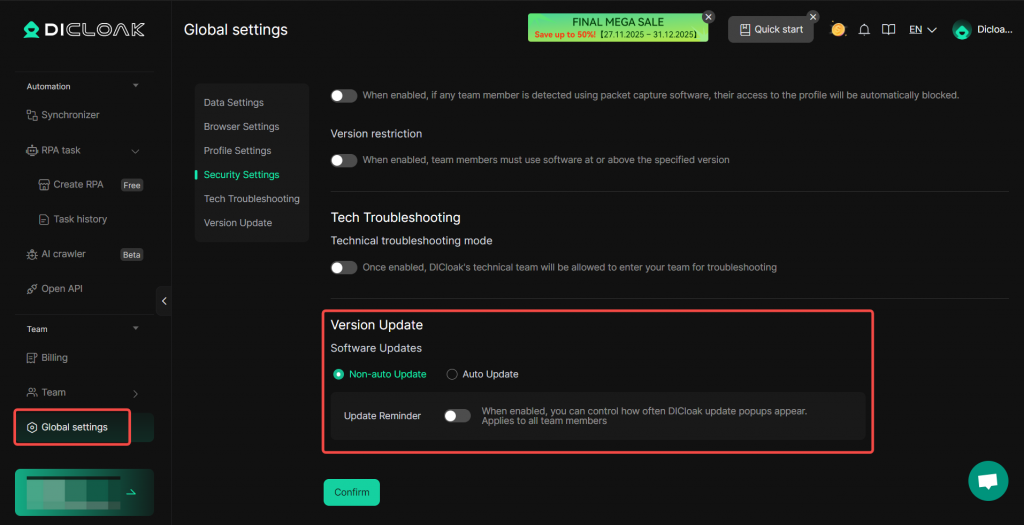
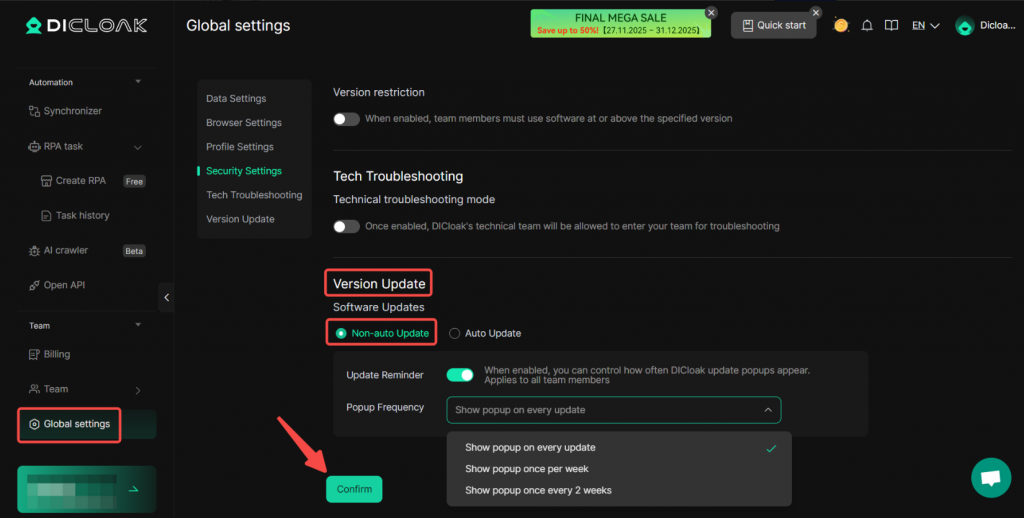
- Non-auto Update:
- Update Reminder: When enabled, all members will receive a notification when a new version of DICloak is released.
- Popup Frequency: Options include “show popup on every update”, “show popup once per week” and “show popup once every 2 weeks”
- Auto Update:
- Update Rule: Automatically downloads the latest version when it detects that the current version is not up-to-date.
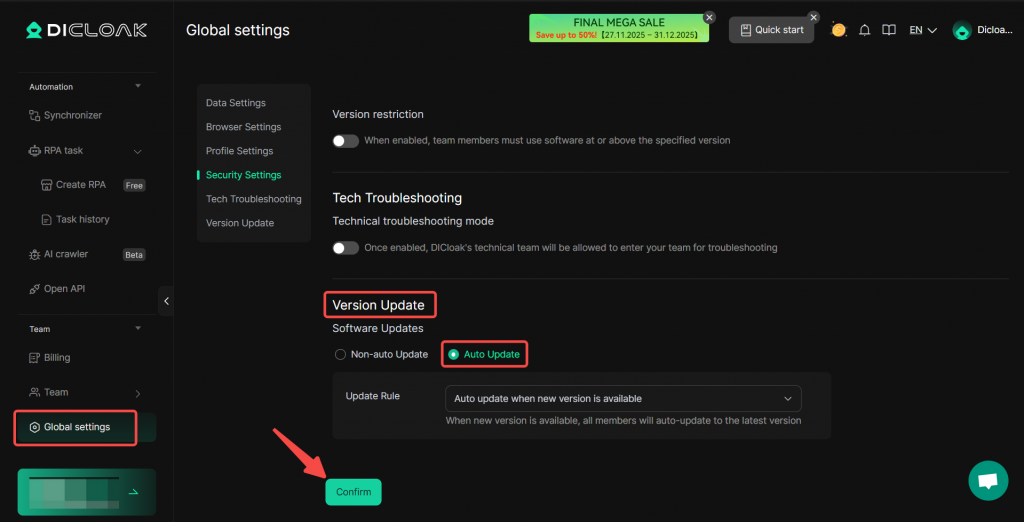
When members log in and a non-latest version is detected, the installation package is downloaded automatically.